ADA Compliant Website Design for Credit Unions: What You Need to Know in 2026
By Will Rapuano | Velocity Builders|
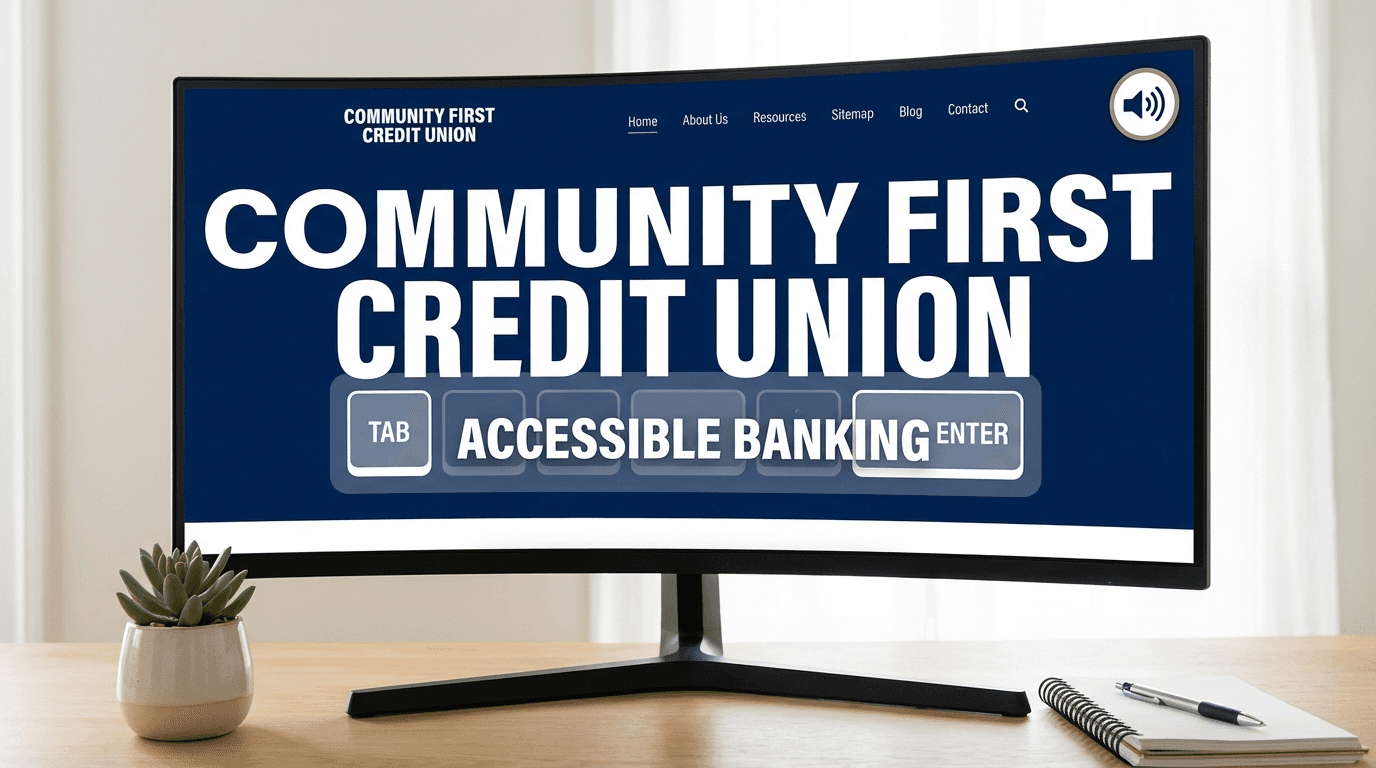
Your credit union's website may be turning away members — and you may not even know it.
Roughly 26% of American adults live with some form of disability. That's over 60 million people who depend on screen readers, keyboard navigation, high-contrast displays, and captions to use the web. When your credit union's website doesn't work for them, you're not just leaving deposits on the table. You may be breaking the law.
ADA website lawsuits against financial institutions have increased sharply over the past several years. Credit unions — once largely overlooked by plaintiffs' attorneys — are no longer flying under the radar. If your site hasn't been designed or audited with accessibility in mind, it's a question of when, not if, you get a demand letter.
Here's what ADA compliant website design actually requires for credit unions, what the consequences of non-compliance look like, and how to close the gap.
This post is for informational purposes only and does not constitute legal advice. Consult qualified legal counsel regarding your credit union's specific compliance obligations.
Why Credit Unions Are Getting Targeted
The Americans with Disabilities Act, Title III, requires places of public accommodation to remove barriers to access. Courts have increasingly ruled that websites qualify as places of public accommodation — including websites for financial institutions.
Plaintiffs' law firms have built automated scanning tools that crawl thousands of sites at once, flagging accessibility violations. When they find one, they send a demand letter. If you don't respond with a credible remediation plan, they sue.
Credit unions are attractive targets for several reasons:
- They have members, not customers. The cooperative model means there's a reasonable argument that members have a stronger claim to equal access.
- Many credit union websites are older. Templates built 8-10 years ago rarely meet modern WCAG standards.
- Compliance is visible. Automated tools can detect missing alt text, poor color contrast, and inaccessible forms without even opening a lawsuit.
The lawsuits aren't always won by plaintiffs — but defending them isn't cheap. Industry estimates suggest a single ADA website demand letter can cost $30,000–$75,000 or more to resolve even if you settle quickly.
What ADA Compliant Website Design Actually Requires
The legal standard courts use most often is the Web Content Accessibility Guidelines (WCAG) — specifically WCAG 2.1 Level AA. There is no federal law that explicitly names WCAG 2.1 as the required standard, but the Department of Justice endorsed it as the benchmark in its March 2024 rulemaking for state and local government websites, and courts regularly apply the same standard to private organizations.
For a credit union website, WCAG 2.1 Level AA compliance means meeting four core principles:
1. Perceivable
Every user must be able to perceive your content, regardless of which senses they can use.
What this looks like in practice:
ℹ️ What this looks like in practice
- —All images have descriptive alt text (including check deposit photos, loan product images, and staff headshots)
- —Videos have captions and, for essential video content, audio descriptions
- —Color is not the only way information is conveyed (e.g., don't just use red to indicate an error in a form)
- —Text has sufficient contrast against its background — WCAG requires a 4.5:1 ratio for body text
Credit union websites frequently fail the contrast ratio test. That light gray body copy on a white background? Almost certainly non-compliant.
2. Operable
Users must be able to operate your website without requiring a mouse.
What this looks like in practice:
ℹ️ What this looks like in practice
- —All functionality works with keyboard-only navigation (Tab, Enter, arrow keys)
- —There are no keyboard traps — users can navigate into and out of every element
- —Interactive elements have a visible focus indicator (the outline that appears when you Tab to a button)
- —No content flashes more than three times per second
Users get enough time to complete forms — session timeouts are extended or warned
This is where most credit union websites fall apart. Online loan applications, appointment schedulers, and account opening flows are often impossible to complete without a mouse.
3. Understandable
Content and interface behavior must be understandable.
What this looks like in practice:
ℹ️ What this looks like in practice
- —The website language is defined in the HTML (`lang="en"`)
- —Error messages tell users exactly what went wrong and how to fix it (not just "invalid input")
- —Navigation is consistent across pages
Labels for form fields are programmatically associated with their inputs — not just visually positioned near them
4. Robust
Your site must work with current and future assistive technologies.
What this looks like in practice:
ℹ️ What this looks like in practice
- —HTML is clean and valid
- —ARIA (Accessible Rich Internet Applications) roles and attributes are used correctly
Custom interactive components like dropdowns, modals, and sliders announce their state to screen readers
The Most Common ADA Failures on Credit Union Websites
If you haven't done an accessibility audit recently, you're likely failing on at least some of these:
Missing or meaningless alt text. "Image123.jpg" or blank alt attributes on product photos, headshots, and icons. Screen reader users get nothing useful.
Poor color contrast. This is epidemic on financial institution sites that favor light, clean aesthetics. Tools like the WebAIM Contrast Checker will show you exactly where you're failing.
Inaccessible PDFs. Rate sheets, disclosure documents, member handbooks — most PDFs are not screen reader friendly unless they're specifically tagged for accessibility.
Forms without proper labels. Placeholder text inside a field is not a label. When the user starts typing, the placeholder disappears and a screen reader user loses context about what the field requires.
No skip navigation link. Users who navigate by keyboard have to tab through every menu item on every page before reaching the main content. A "skip to main content" link solves this.
Videos without captions. Tutorials on online banking, auto loan applications, member education content — if they don't have captions, they're inaccessible to deaf and hard-of-hearing members.
Carousels and sliders. Automatically advancing carousels without pause controls violate WCAG. They also annoy everyone, but that's a separate problem.
How to Approach ADA Remediation
If your credit union's website isn't compliant, here's the path forward.
Step 1: Run an automated scan first
Tools like Axe, WAVE, or Lighthouse (built into Chrome DevTools) can catch an estimated 30–40% of WCAG violations automatically in minutes — the exact figure varies by site complexity, but automated scans consistently miss issues that require human judgment. This gives you a baseline and helps you prioritize.
Run the scan on your home page, loan application pages, account opening flow, and contact forms. These are the high-risk pages both for member experience and for legal exposure.
Step 2: Commission a manual audit
Automated tools can't catch everything. Keyboard navigation testing, screen reader testing (with tools like NVDA or VoiceOver), and cognitive accessibility review require a human. Expect to pay $3,000–$8,000 for a thorough manual audit from a qualified accessibility consultant.
Step 3: Prioritize remediation by risk
Not every violation has equal legal or member experience weight. Prioritize:
1. Account opening, loan application, and online banking flows
2. Contact forms and appointment scheduling
3. Navigation and site-wide components
4. PDFs and downloadable documents
5. Marketing pages and blog content
Step 4: Build accessibility into your development process
If you're working with a web design vendor, require WCAG 2.1 AA compliance in your contract. Ask specifically:
- Do you test with screen readers?
- How do you handle keyboard navigation for custom components?
- Will you provide an Accessibility Conformance Report (ACR)?
Any vendor that can't answer these questions hasn't built an accessible site.
Step 5: Maintain an Accessibility Statement
Post a public accessibility statement on your website that explains your commitment to accessibility, the standard you're targeting (WCAG 2.1 AA), and how members can report barriers or request accommodations. This isn't legally required, but it demonstrates good faith and can reduce legal exposure.
What Happens If You Get a Demand Letter
If you receive an ADA website demand letter, do not ignore it. Here's what to do:
1. Contact your attorney immediately. This is legal exposure, not a PR issue.
2. Begin remediation — or have a credible remediation plan in writing within days. Courts look favorably on credit unions that respond proactively.
3. Don't assume the violations are fabricated. Plaintiffs' tools are surprisingly accurate. Your site likely has the violations they've identified.
4. Document everything. Every audit, every fix, every vendor communication. This documentation matters in litigation.
The credit unions that resolve these quickly and cheaply are the ones that already have a remediation plan in progress. The ones that fight tend to spend more, even when they win.
ADA Compliance as a Member Experience Advantage
Here's the reframe that often gets lost in the legal risk conversation: accessible websites work better for everyone.
Captions help members watching videos in loud environments or on mute. Clear form labels reduce errors for all users, not just those using screen readers. Sufficient color contrast is easier to read on a phone in sunlight. Keyboard navigation helps power users who prefer not to mouse.
The credit unions that treat accessibility as a member experience investment — rather than a compliance burden — tend to end up with sites that convert better, generate fewer support calls, and have lower abandonment on loan applications.
That's not a coincidence. Accessibility and good UX solve the same underlying problem: content and functionality that works for every member, every time.
The Bottom Line
ADA compliant website design for credit unions isn't optional, and it's no longer something you can defer. The legal risk is real, the technical requirements are well-defined, and the tools to audit and remediate your site are widely available.
Start with an automated scan this week. Commission a manual audit if you find significant issues. Build accessibility requirements into your next website redesign or vendor contract. And post an accessibility statement that shows your members — and any plaintiff's attorney who comes looking — that you're serious about equal access.
If you need help evaluating your current site or planning a compliant redesign, reach out to Velocity Builders. We build financial institution websites that meet WCAG 2.1 AA standards from day one — not as an afterthought.
Frequently Asked Questions
Velocity Builders helps real estate agents, lenders, and brokerages build websites and marketing systems that generate and convert leads automatically.
Will Rapuano
Founder, Velocity Builders LLC. Business Development Officer at Pruitt Title. Helping real estate agents and loan officers scale with better marketing systems.
Book a 20-Minute Growth Blueprint
See where your lead handoff and follow-up are leaking deals, then fix the right things first.
Book a 20-Minute Growth Blueprint